
Create workouts in minutes, not hours
Drag-and-drop workout builder with 1,000+ exercises, HD video demos, reusable templates, auto-progression across weeks, and one-click client assignment. No trial, no limits.


What is a free workout builder?
A free workout builder for personal trainers is software that lets coaches create, organize, and deliver workout programs to clients without paying for software. Instead of juggling spreadsheets and PDFs, you get a drag-and-drop interface, a searchable exercise library with video demos, reusable templates, and multi-week program scheduling. FitPros.io's workout builder is completely free with no client limits.
Plus drop sets, warm-up sets, timed holds, RPE-based programming, and custom set types.
What exercises are included in the free workout builder?
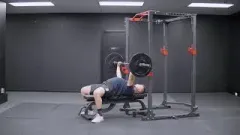
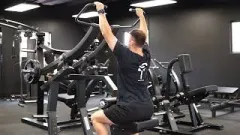
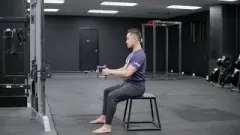
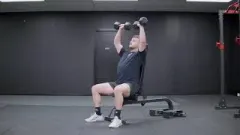
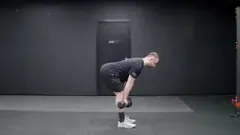
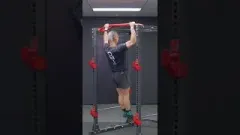
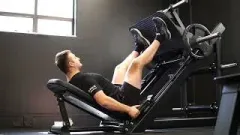
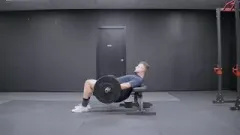
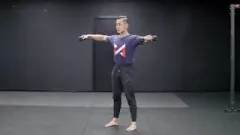
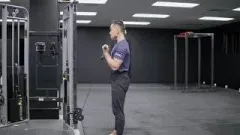
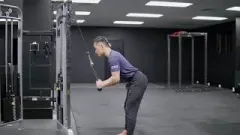
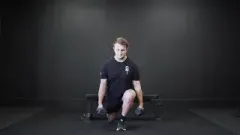
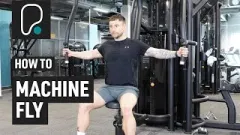
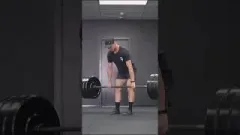
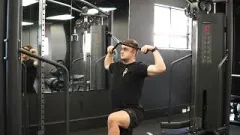
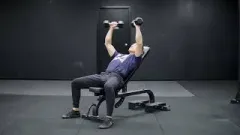
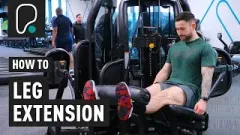
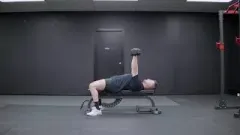
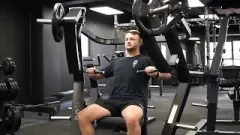
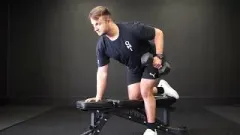
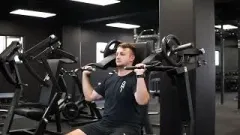
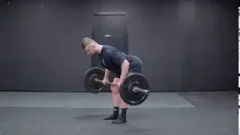
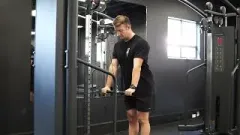
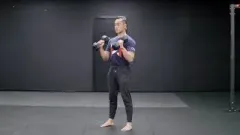
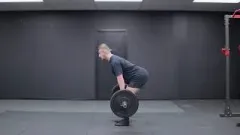
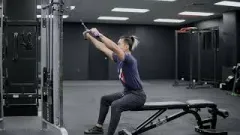
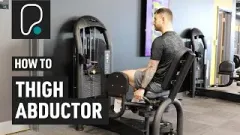
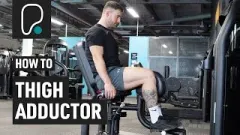
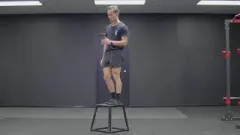
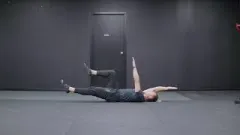
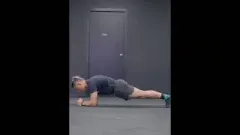
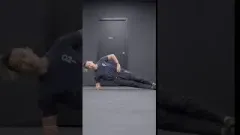
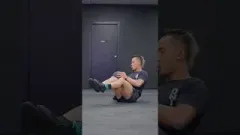
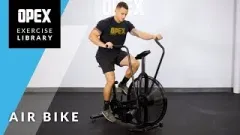
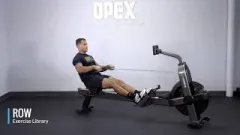
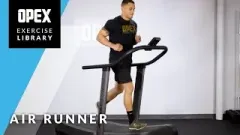
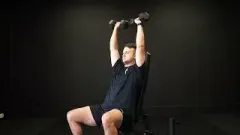
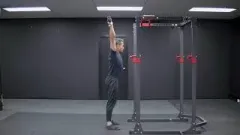
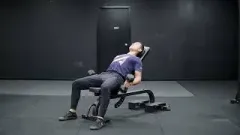
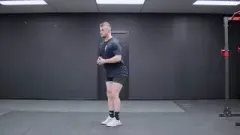
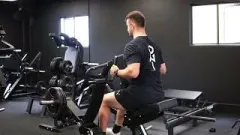
Every exercise includes video demonstrations, written cues, and muscle group tags. Filter by muscle group, equipment, or movement pattern. Browse the full exercise library or add your own custom exercises with your own video demos.

How do you build and assign a workout program?
Five steps. That's all it takes to build and deliver a professional workout program.
Drag, drop, done
Search 1,000+ exercises, drag them into your workout, set sets, reps, tempo, and rest. Reorder with a handle. Group exercises into supersets with one click.


Save it once. Use it forever.
Turn any workout into a reusable template. Build a library of your go-to sessions and apply them to any client or program in seconds.
One week becomes a full program
Design one week, then auto-progress weight, reps, or sets across 4, 8, or 12 weeks. The progression builder handles the math so you don't have to.
Programs, not just workouts
Organize workouts into multi-week programs with a calendar view. Color-coded blocks make it easy to see the full training plan at a glance.
Hit assign. They're training.
Select clients, pick a program, and assign. They see it instantly in their app with HD video demos, rest timers, and logging built in.
Free workout builder vs paid alternatives
Every workout builder feature is included free. Here's what most platforms like Trainerize, TrueCoach, and PT Distinction charge extra for.
- Unlimited workout programs
- Progression builder included
- 1,000+ exercises with HD video
- Add your own custom exercises
- Reusable workout templates
- Multi-week program calendar
- Assign to unlimited clients
- Bulk edit across entire phases
- Client lift history in builder
- Embedded coaching cues & video
- Free forever
- Limited programs on free plan
- Rebuild workouts manually each week
- Exercise library paywalled
- No custom exercise uploads
- Templates locked behind upgrade
- No program calendar view
- Client limits on starter tiers
- Edit exercises one at a time
- No client data in the builder
- Coaching notes in separate docs
- Starts at $19+/month
Which personal trainers use the free workout builder?
Solo trainers
Most popularManage all your clients from one dashboard. Build programs, assign workouts, and track progress without paying for software.
Online coaches
Train remotelyDeliver programs remotely through branded client apps. Your clients train anywhere with HD video demos, logging, and in-app messaging.
Gym owners
Team accountsGive your trainers professional tools from day one. Branded client apps with your logo, and a centralized program library your whole team can use.
New trainers
$0 to startJust got certified? Start with free tools that look professional. No upfront costs, no client limits, and personal support from the founder.
What your clients see after you hit assign
Programs you build land instantly in your branded client app. No downloads, no setup, no confusion.
HD video demos
Every exercise plays a video demonstration. Clients never have to guess form.
Built-in rest timers
Automatic countdown timers between sets keep clients on pace without a separate app.
Workout logging
Clients tap to log sets, reps, and weight. Data syncs to your dashboard in real time.
Progress tracking
Body measurements, progress photos, and exercise history all in one place.
In-app messaging
Clients message you directly from the app. No WhatsApp groups or email chains.
Works everywhere
Native-quality apps on iOS, Android, and web. Clients pick the device that works for them.
Want the full picture? See all personal training software features or check the pricing comparison.
What tools help you build better workout programs?
The core builder is free forever. These advanced features are available with the optional Pro Tools upgrade for coaches who want to move faster and program smarter.
Progression builder
Convert a single week of programming into a multi-week progressive overload plan. Set percentage increases, rep progressions, or weight jumps. The builder generates weeks 2, 3, 4+ automatically based on your rules.
Bulk edit mode
Edit an entire week, workout, or exercise group at once. Change rest times across all exercises, swap movements in bulk, or adjust set and rep schemes for a whole phase. Saves hours on large programs.
Client exercise history in builder
See what the client actually lifted for each exercise. View recent sets, weights, and PRs directly inside the builder. Program based on real data, not memory.
Embedded coaching cues
Add text instructions, images, and video demos directly inside workouts. Clients see coaching cues alongside their exercises: technique reminders, tempo instructions, or intent explanations.
Workout builder questions
Is the workout builder really free?
Yes. The workout builder, progression builder, exercise library, templates, and program calendar are all included in FitPros.io's free plan. No trial, no credit card, no client limits. The optional Pro Tools upgrade ($29/month) adds bulk editing, automations, and weekly reports, but the builder itself is free forever.
Can I add my own exercises?
Absolutely. You can add custom exercises with your own video demos, instructions, and muscle group tags. They appear alongside the built-in 1,000+ exercise library and work exactly the same way in the builder.
What's the progression builder?
The progression builder lets you design one week of training, then automatically increment weight, reps, or sets across multiple weeks. Choose from preset patterns like linear periodization, undulating periodization, or create custom rules. Set it once, and FitPros.io generates the full program. No spreadsheets needed.
What workout formats are supported?
FitPros.io supports straight sets, supersets, circuits, AMRAP (as many reps as possible), EMOM (every minute on the minute), intervals, drop sets, warm-up sets, timed holds, and custom set types. You can also add coach notes, set rest timers, and specify tempo for any exercise.
Can I assign programs to multiple clients at once?
Yes. Select any number of clients, choose a program, and hit assign. Each client gets their own copy so their logged data stays separate, but you only build the program once.
Can I track my clients' progress?
Yes. Once clients complete workouts in the FitPros app, you can see their logged sets, weights, and reps in your dashboard. Clients can also upload progress photos and log body measurements. The Pro Tools upgrade adds weekly performance reports sent automatically.
How is this different from using spreadsheets?
Spreadsheets work, but they don't scale. With FitPros.io, you get a drag-and-drop interface, an exercise library with video demos baked in, auto-progression across weeks, one-click client assignment, and a branded client app where your clients follow workouts and log their data. No formatting, no emailing PDFs, no version control headaches.
Does it work for online coaching?
Yes. FitPros.io is built for both in-person and online personal training. Build programs in the dashboard, assign them remotely, and your clients follow them in the FitPros app from anywhere. Add in-app messaging, habit tracking, client forms, and progress photos for a complete online coaching platform.
Does it work on mobile?
The workout builder works best on desktop and tablet where you have the screen space to drag, drop, and edit. Your clients use the FitPros mobile app (iOS, Android, and web) to follow their workouts, log sets, watch exercise videos, and track progress.
Can I sell workout programs?
Yes. FitPros.io includes built-in Stripe Connect integration so you can sell programs directly to clients. Set your price, share the link, and get paid. No extra tools or third-party integrations needed.
What is the progression builder and how does it work?
The progression builder converts a single week of programming into a full multi-week progressive overload plan. You set the rules: percentage increases, rep progressions, or fixed weight jumps. The builder automatically generates weeks 2, 3, 4 and beyond. Choose linear periodization, undulating patterns, or define custom rules. It eliminates the spreadsheet math and manual week-by-week rebuilding that eats into your programming time.
What is bulk edit mode?
Bulk edit mode (available with Pro Tools) lets you edit an entire week, workout, or exercise group at once. Change rest times across all exercises, swap movements in bulk, or adjust set and rep schemes for a whole training phase in a few clicks. It's built for coaches managing large programs where editing exercises one at a time would take hours.
Can I see what my clients have lifted while building their program?
Yes. With Pro Tools, client exercise history appears directly inside the workout builder. While you're programming, you can see each client's recent sets, weights, and personal records for every exercise. This means you program based on real data: what they actually lifted. No more relying on memory or switching between screens.
Your first program takes 5 minutes.
No credit card. No trial. Just a builder that works the way you think.

Questions? Just message me. - Sammy